HOA Vendor Management Without the Email Chase
Invite service providers, keep work updates and photos with the job, and connect vendor invoices to the association's financial workflow.
30-day free trial • No credit card required • From $36/mo

One Vendor Profile, Ready for Real Work
Invite a service provider to claim an existing business or create a new profile. Legal name, contact details, location, and service areas stay together as a reusable vendor identity instead of being retyped for every job.
Watch Vendor Management in the demo- Personalized email invitations with a secure claim page
- Sign-in and registration return vendors to the original invitation
- Shared business profile with searchable service areas
- Duplicate matching before a new vendor is created
- Association-specific relationship and compliance details stay separate
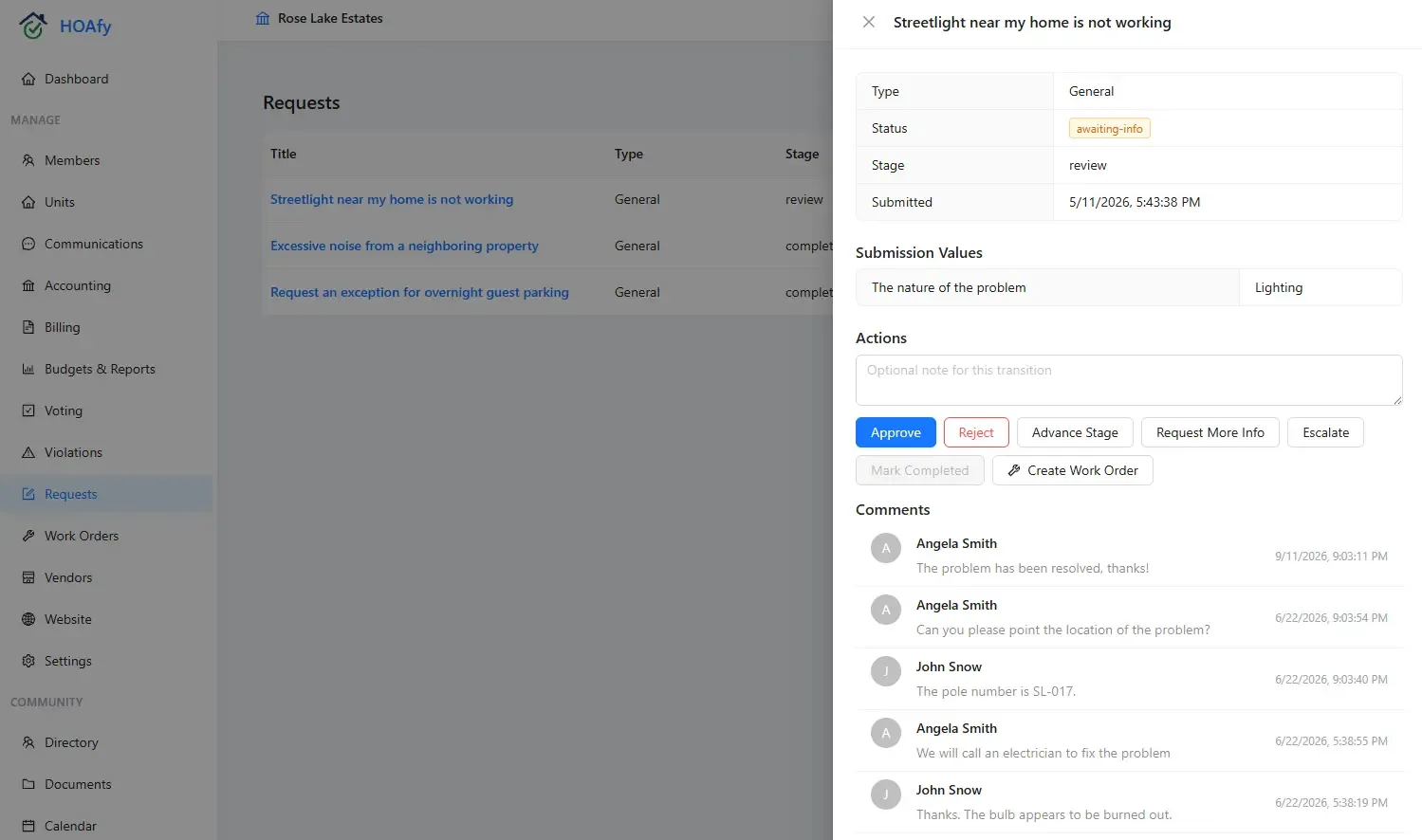
Keep the Conversation Attached to the Job
Give vendors a focused workspace for the work assigned to them. They can respond, update progress, add comments and photos, and complete the job without gaining access to unrelated association or homeowner records.
Watch Work Order Management in the demo- Accept or decline assigned work
- Move accepted work into progress and completion
- Post comments where the board can find them later
- Add job photos to preserve field context
- Keep operational history out of personal email and text threads
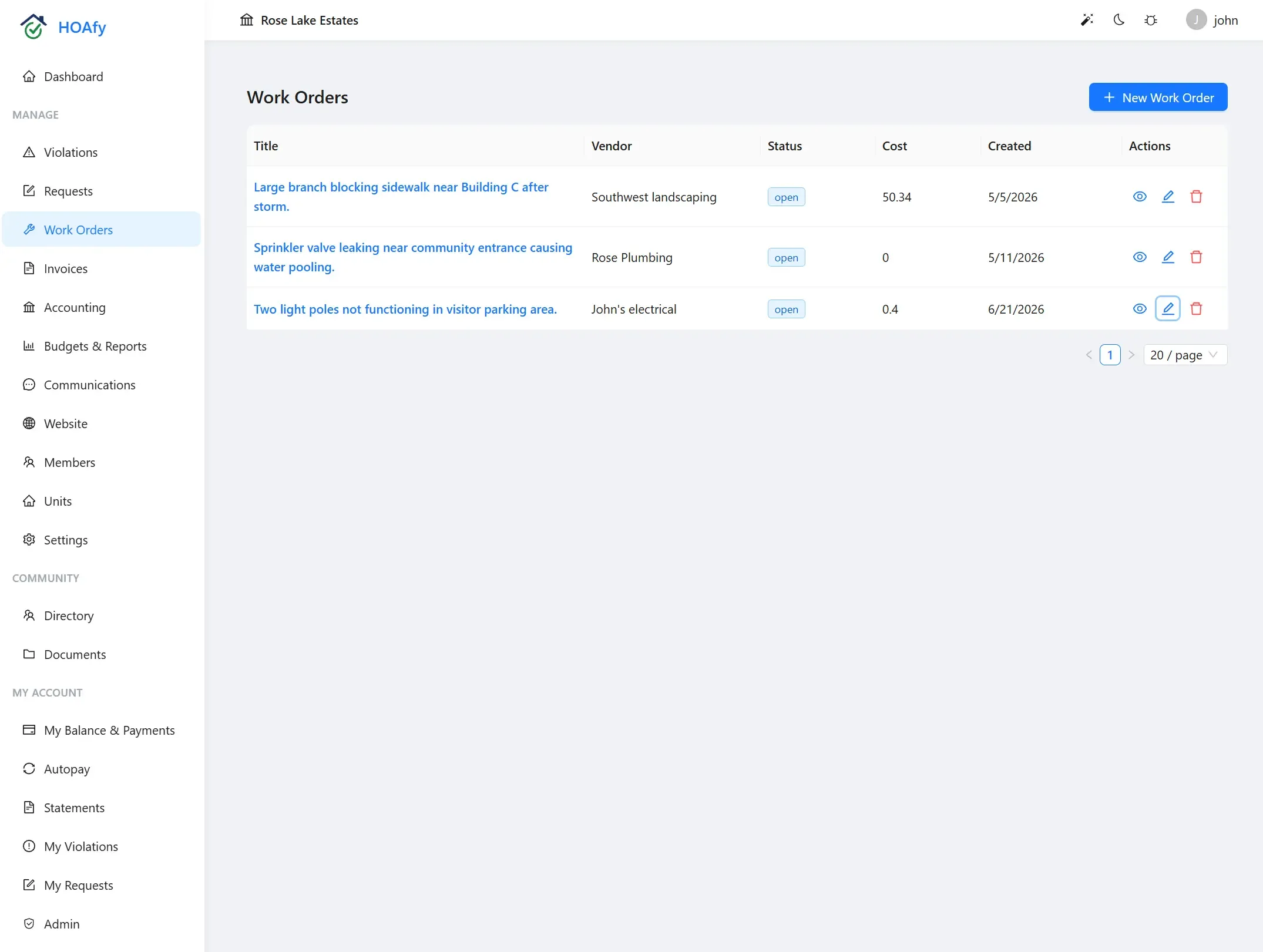
Move From Completed Work to a Traceable Invoice
A vendor can submit an invoice against association work and follow its status from the same workspace. The association keeps the job, vendor, invoice, and accounting trail connected instead of reconciling separate spreadsheets and inboxes.
Watch Billing and Assessments in the demo- Submit invoice numbers, dates, amounts, notes, and attachments
- Link invoices to the work that produced them
- See draft, posted, paid, or void status
- Give vendors payment-status visibility without sharing the ledger
- Carry approved vendor bills into the association's financial workflow
Frequently Asked Questions
What is HOA vendor management software?
HOA vendor management software organizes service-provider profiles, assigned work, communication, invoices, and status in one system. It gives the board a traceable record while giving each vendor focused access to their own work.
Do vendors need access to the full HOA portal?
No. HOAfy Vendor Mode is separate from association membership. Vendors see their business profile, assigned work, job updates, and invoices without access to the member directory or general association financial records.
Can one vendor work with more than one association?
Yes. A vendor keeps one shared business identity while each association maintains its own relationship, work orders, and financial records. That reduces duplicate vendor records without blending association-specific data.
Can vendors upload invoices and job photos?
Yes. Vendors can add photos and comments to assigned work and submit invoice details and attachments from Vendor Mode. They can also follow invoice status after submission.
Does HOAfy require a D-U-N-S number to onboard a vendor?
No. A D-U-N-S number is not required to create or claim a Vendor profile. Associations can manage tax, insurance, licensing, and other compliance requirements separately based on the vendor's country and the work being performed.
Ready to run your community on HOAfy?
Everything is included in one plan from $36/mo. Published pricing, no demo required, and 50% off for 3 years with code HOAFY50.
30-day free trial • No credit card required • Cancel anytime